
As a designer with more than 20 years in the creative industry, I’ve tested just about every tool out there. From logo design and vector art to motion graphics and video editing, I’ve learned that the best workflow comes from combining reliable, professional-grade software with flexible, modern tools that speed up production.
These are the tools I consider essential to my professional workflow.
Adobe Illustrator
Core Tool for Vector Design
Best for: logos, icons, technical illustrations, and scalable artwork
Illustrator is the foundation of my design workflow. It gives me the control and precision needed for clean, scalable vector art. Whether I’m creating icons, packaging layouts, or diagrams for clients, it’s the tool I trust most.
Why I recommend it:
Unmatched control over anchor points and bezie curves
Great color-management and export options for both print and web
Integrates seamlessly with After Effects and Photoshop for motion and texture work
Ideal for designers who want precision and industry-standard output.
Affinity Designer 2
A Strong Alternative for Vector Work
Best for: vector illustration, print design, and cross-platform performance
Affinity Designer is powerful, affordable, and refreshingly fast. It’s the app I use when I want Illustrator-level precision without the heavy Creative Cloud subscription.
Why I recommend it:
Smooth performance on both Mac and Windows
One-time purchase (no subscription)
Great integration with Affinity Photo and Publisher
Perfect for freelancers or small studios looking for professional tools on a budget.
Affinity Designer free desktop version >
https://www.affinity.studio/graphic-design-software
Adobe Photoshop
Essential for Raster Image Work
Best for: photo editing, mock-ups, composites, and digital painting
When I need to refine textures, edit images, or combine photos into new compositions, Photoshop still rules. It’s not just for photography — it’s where I test color palettes, lighting, and effects before finalizing a campaign or motion sequence.
Why I recommend it:
Layer-based flexibility for advanced retouching
Smart Objects make mock-ups non-destructive
Perfect companion to Illustrator for mixed-media projects
A must-have for any visual artist or designer who values full creative control.
Adobe After Effects
Bringing Designs to Life
Best for: motion graphics, animated ads, titles, and visual effects
After Effects is where I transform static visuals into motion. From animated graphics and posters to full-scale product ads, this software is a powerhouse.
Why I recommend it:
Industry-standard for motion graphics and compositing
Huge ecosystem of plugins, presets, and templates
Integrates directly with Illustrator and Premiere Pro
Essential for anyone serious about motion design and animation.
Adobe Premiere Pro
Editing That Matches Your Vision
Best for: video editing, color grading, and project assembly
Once my motion pieces or ads are ready, Premiere Pro handles all the sequencing, audio balancing, and delivery formats. It’s my go-to for compiling promotional reels and YouTube videos.
Why I recommend it:
Clean timeline and professional-grade tools for precision editing
Works flawlessly with After Effects via Dynamic Link
Exports to all major social and broadcast formats
Perfect for designers expanding into motion and content creation
CapCut
Essential for Quick Video Editing and Social Content
Best for: short-form videos, reels, ads, and quick edits for social media
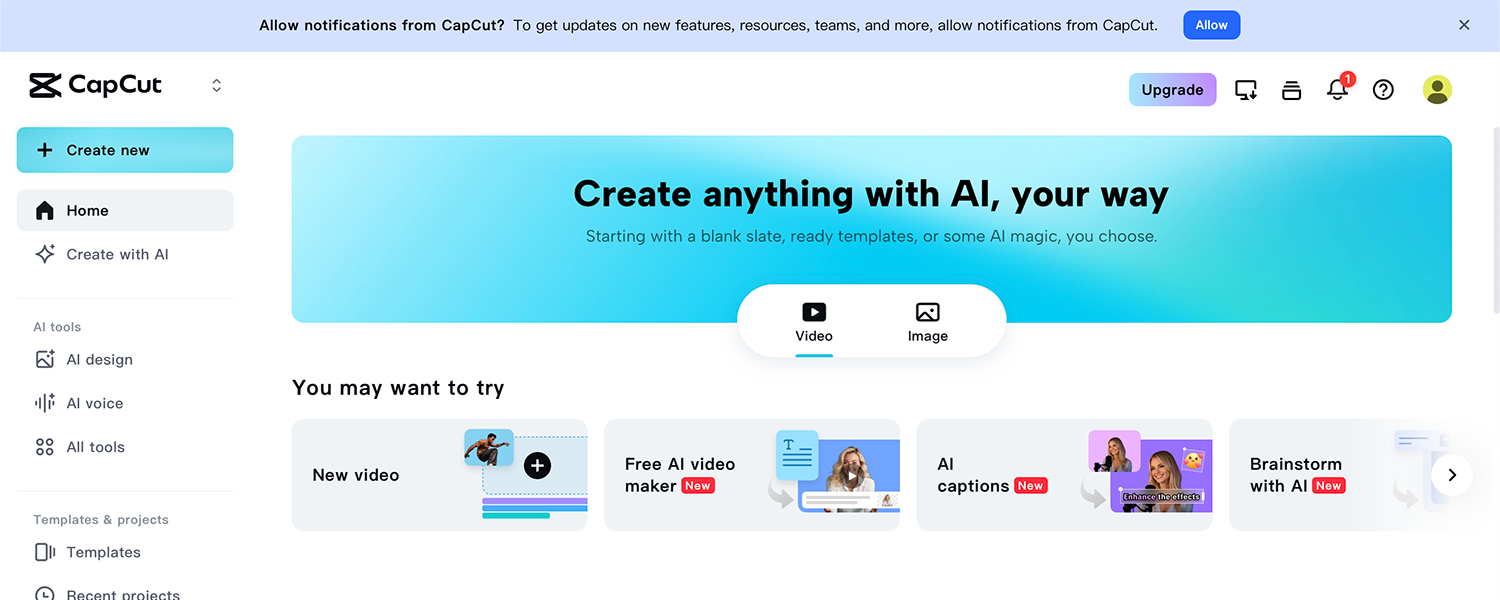
CapCut is my go-to tool when I need to edit videos fast without opening a full suite like Premiere Pro. It’s simple, efficient, and optimized for social media formats — perfect for vertical videos, reels, and motion ads. Despite its lightweight interface, CapCut offers surprisingly advanced tools, from keyframe animations to color correction and AI-assisted effects.
Why I recommend it:
Fast and intuitive for quick edits and social-media posts
Includes built-in templates, filters, and text animations
Offers desktop and mobile versions that sync easily across devices
CapCut is where speed meets creativity. It allows me to produce professional-looking videos in minutes — ideal for marketing content, product promos, or showcasing motion design work online.
Adobe InDesign
Essential for Layout and Print Design
Best for: brochures, magazines, catalogs, and multi-page documents
Adobe InDesign is the industry standard for layout and publishing. Whenever a project involves structured text and visual balance — like printed brochures, brand guides, or digital PDFs — this is the tool I turn to. It offers unmatched precision for typography, grid systems, and page organization, making it ideal for both print and digital publications.
Why I recommend it:
Professional-grade layout and typography control
Perfect for designing multi-page documents and brand materials
Integrates smoothly with Illustrator and Photoshop for asset placement
InDesign is where structure meets style. It gives you the flexibility to create beautifully composed layouts that feel polished, consistent, and easy to read — whether they’re printed or shared digitally.
Adobe Express
Fast, Clean, and Perfect for Social Media
Best for: quick branded posts, ads, and client mock-ups
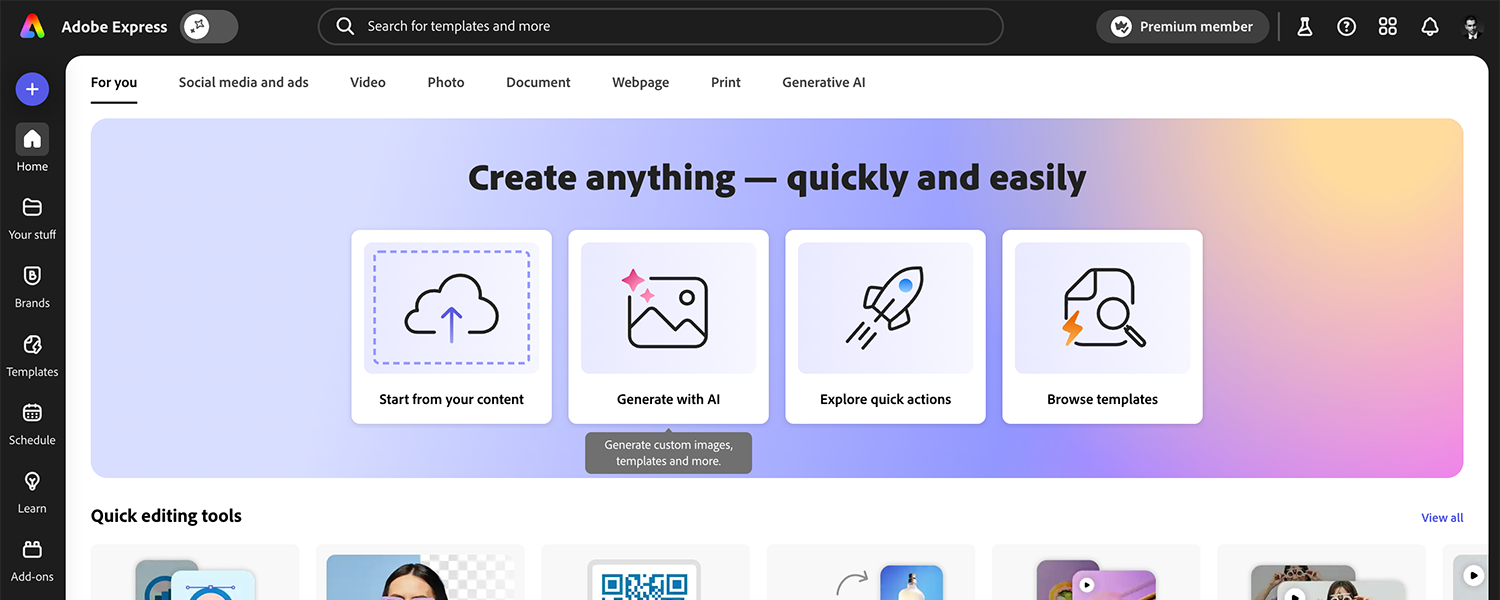
When deadlines are tight, Adobe Express helps me turn ideas into polished social-media visuals within minutes. It’s cloud-based, template-driven, and integrates with Adobe Stock.
Why I recommend it:
Thousands of pre-made templates sized for each platform
Simple interface that syncs with your Adobe Fonts and brand assets
Great for teams that need to generate content fast without sacrificing style
Excellent for social campaigns and quick turnarounds.
Try Adobe Express: 30-day free trial >
https://www.adobe.com/express
Canva
Simplicity and Speed for Everyday Designs
Best for: social-media graphics, presentations, and collaborative work
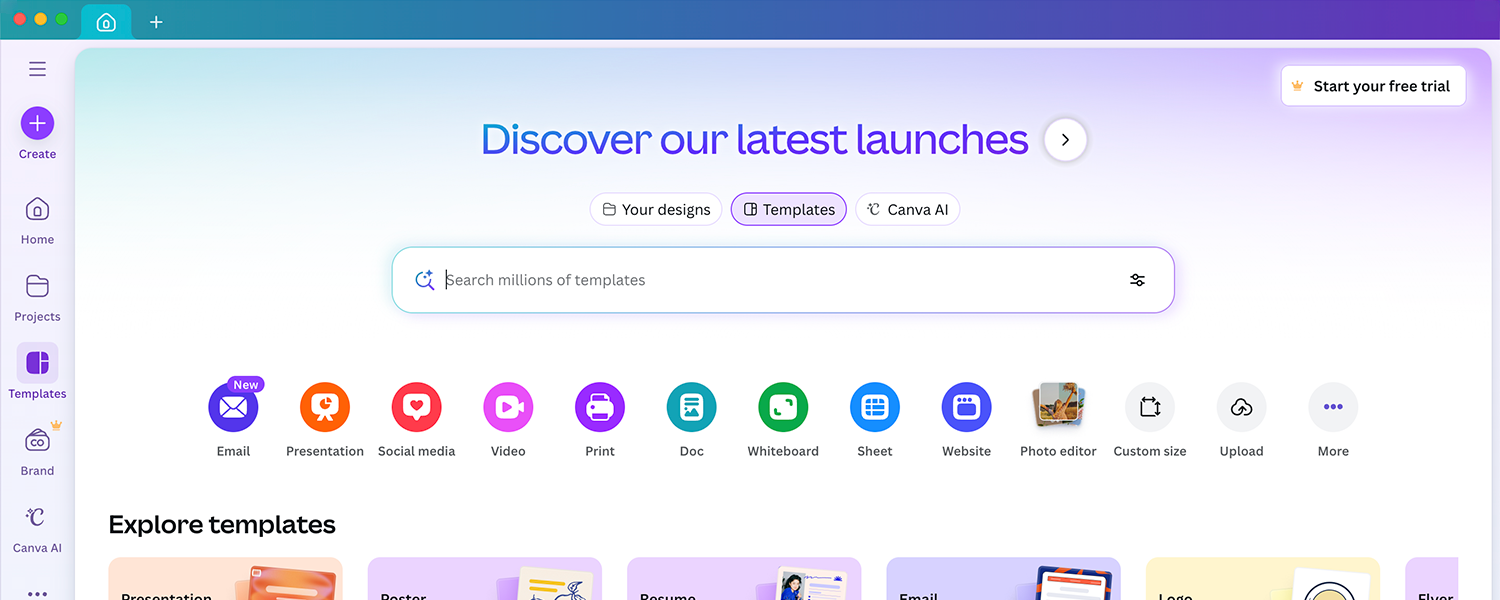
Canva’s simplicity makes it perfect for quick layouts, branded stories, and collaborative client drafts. Even though I mainly work in Adobe, Canva is fantastic for speed and accessibility.
Why I recommend it:
Thousands of templates and drag-and-drop editing
Browser-based and mobile-friendly
Easy sharing for client previews
Ideal for designers or teams who need professional-looking graphics fast.
Figma
The Ultimate Tool for Collaborative Design
Best for: website mockups, app design, and UI/UX collaboration
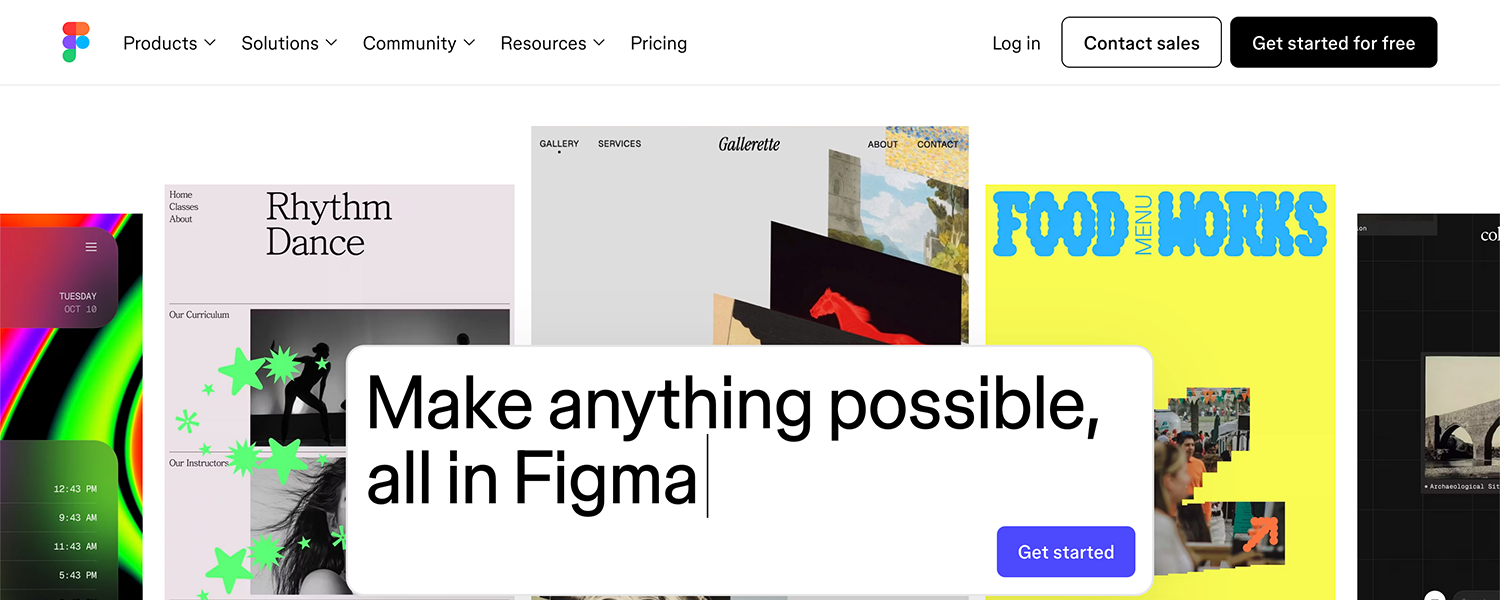
Figma makes it easy for multiple designers and clients to collaborate in real time. Being browser-based, it allows instant access to projects without worrying about file versions or local installations. Prototyping and commenting features make feedback fast and visual.
Why it’s recommended:
Real-time collaboration and live commenting
Powerful prototyping tools for interactive previews
Integrates with Notion, Slack, and other creative tools
Perfect for teams that prioritize collaboration, quick iteration, and visual feedback.
Elements by Envato
My Source for Creative Assets
Best for: templates, mockups, photos, fonts, and videos
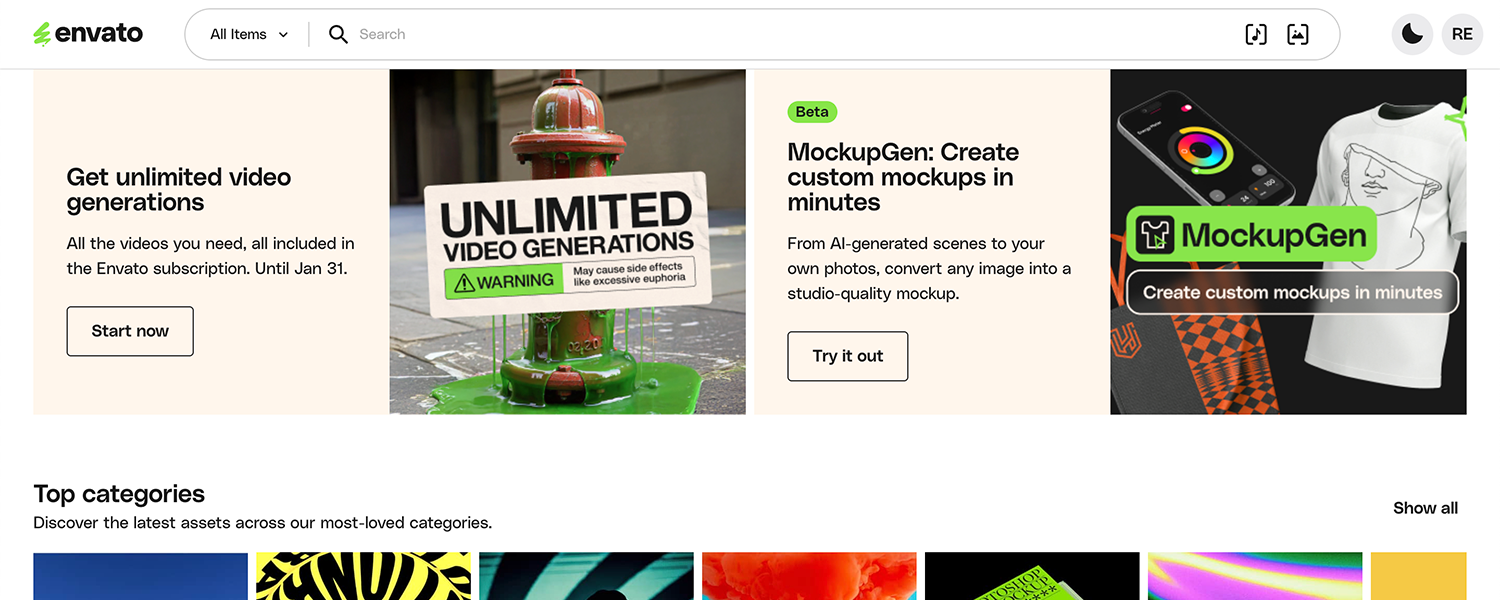
Elements by Envato has become my go-to library for high-quality creative assets. It saves me time and adds instant value to every project, whether I’m designing, animating, or editing.
Why I recommend it:
• Unlimited downloads for one flat subscription
• Massive variety of professional resources
• Works perfectly with Adobe and Canva projects
It’s a huge time-saver and an incredible resource for designers who create content regularly.
Elements by Envato: Visit website >
https://elements.envato.com
Final Thoughts
Every tool listed here plays a unique role in my creative process. I often combine Illustrator + After Effects for motion graphics, or Photoshop + Premiere Pro for video and print campaigns. The key isn’t using every tool available — it’s knowing which one best supports your project’s goals and timeline.
If you’re a designer building your own workflow, start with one or two of these, master them, and expand gradually. Consistency and familiarity with your tools will always outperform chasing trends.