
Running a small design studio today means balancing creativity with efficiency. From managing projects to collaborating with clients, SaaS (Software as a Service) tools make it easier to stay organized, connected, and productive — all from the cloud.
Here are five essential platforms every creative team should consider.
1. Figma
The Ultimate Tool for Collaborative Design
Best for: website mockups, app design, and UI/UX collaboration
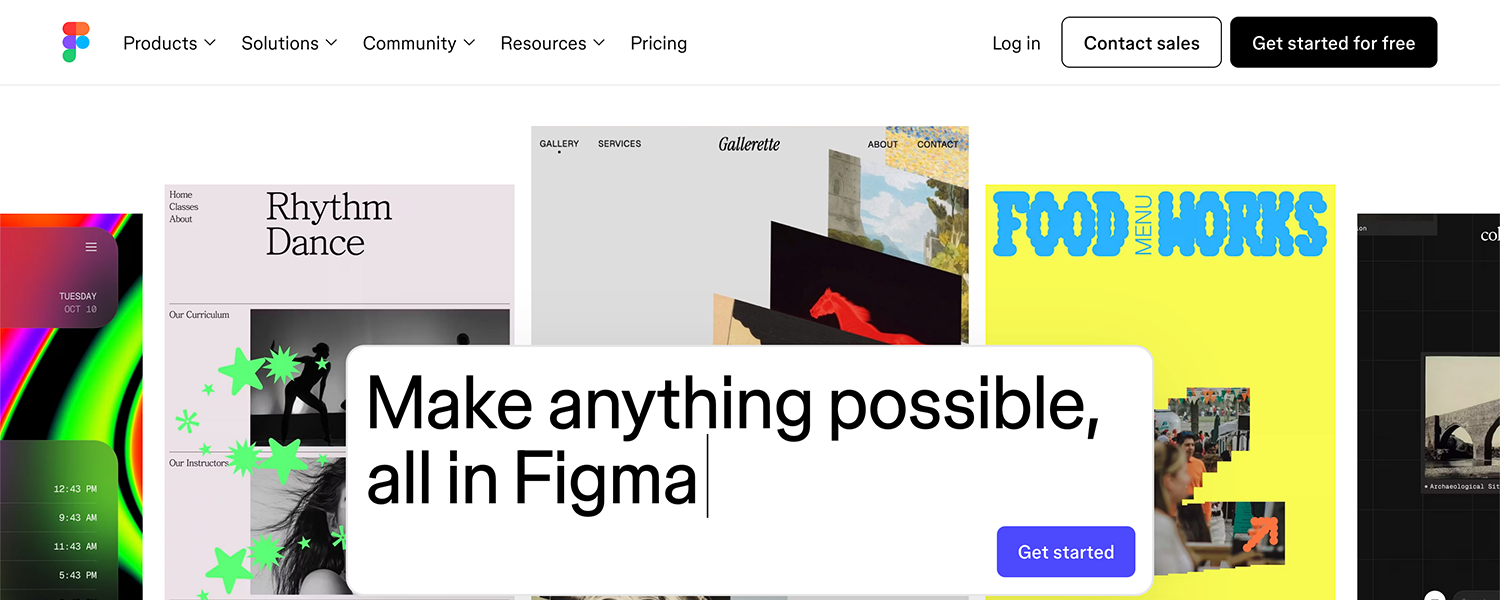
Figma makes it easy for multiple designers and clients to collaborate in real time. Being browser-based, it allows instant access to projects without worrying about file versions or local installations. Prototyping and commenting features make feedback fast and visual.
Why it’s recommended:
Real-time collaboration and live commenting
Powerful prototyping tools for interactive previews
Integrates with Notion, Slack, and other creative tools
Perfect for teams that prioritize collaboration, quick iteration, and visual feedback.
2. Notion
The Hub for Project Management and Creative Planning
Best for: organizing design projects, client briefs, content calendars, and task management
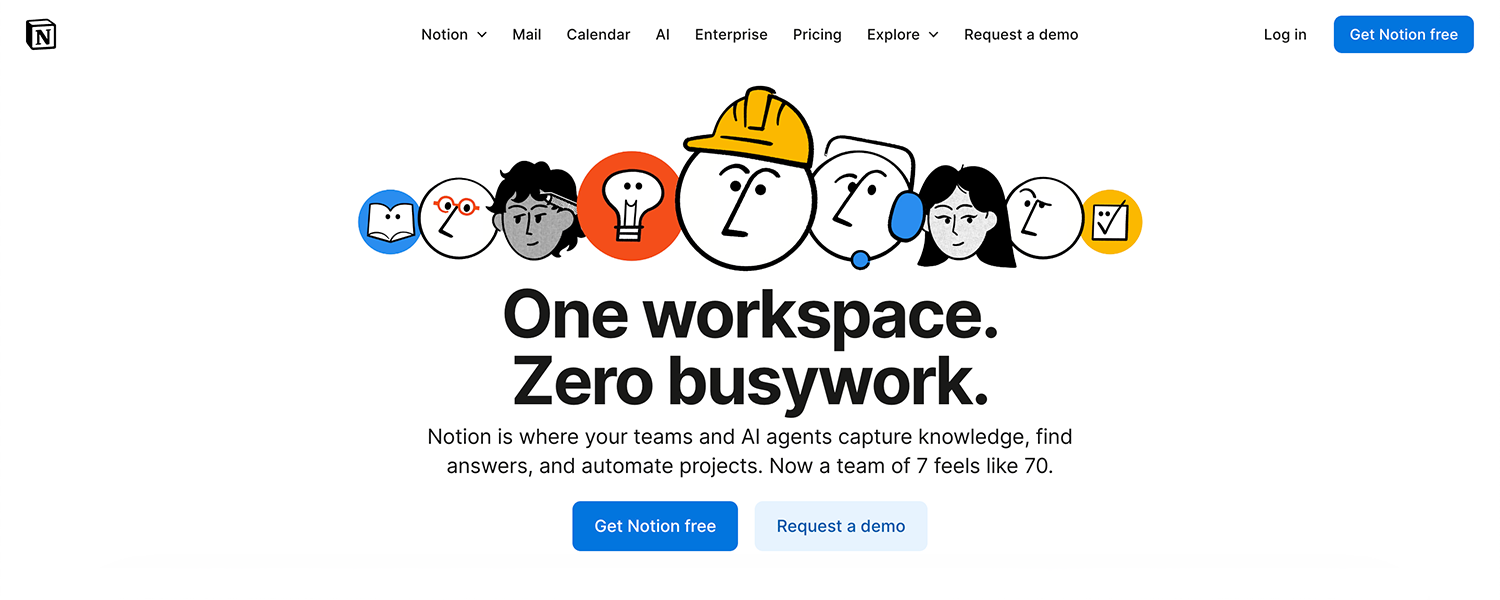
Notion serves as a central hub for managing studio operations. From project outlines and asset libraries to collaboration notes, it keeps everything structured and accessible. Its flexible interface allows teams to build custom dashboards for each client or campaign, improving productivity and communication.
Why it’s recommended:
Fully customizable workspace for any creative workflow
Real-time collaboration for teams and clients
Integrates seamlessly with tools like Slack, Google Drive, and Figma
Ideal for small design studios looking for an all-in-one solution for planning, organization, and communication.
3. Slack
The Go-To Platform for Team Communication
Best for: team chat, project discussions, and quick client updates
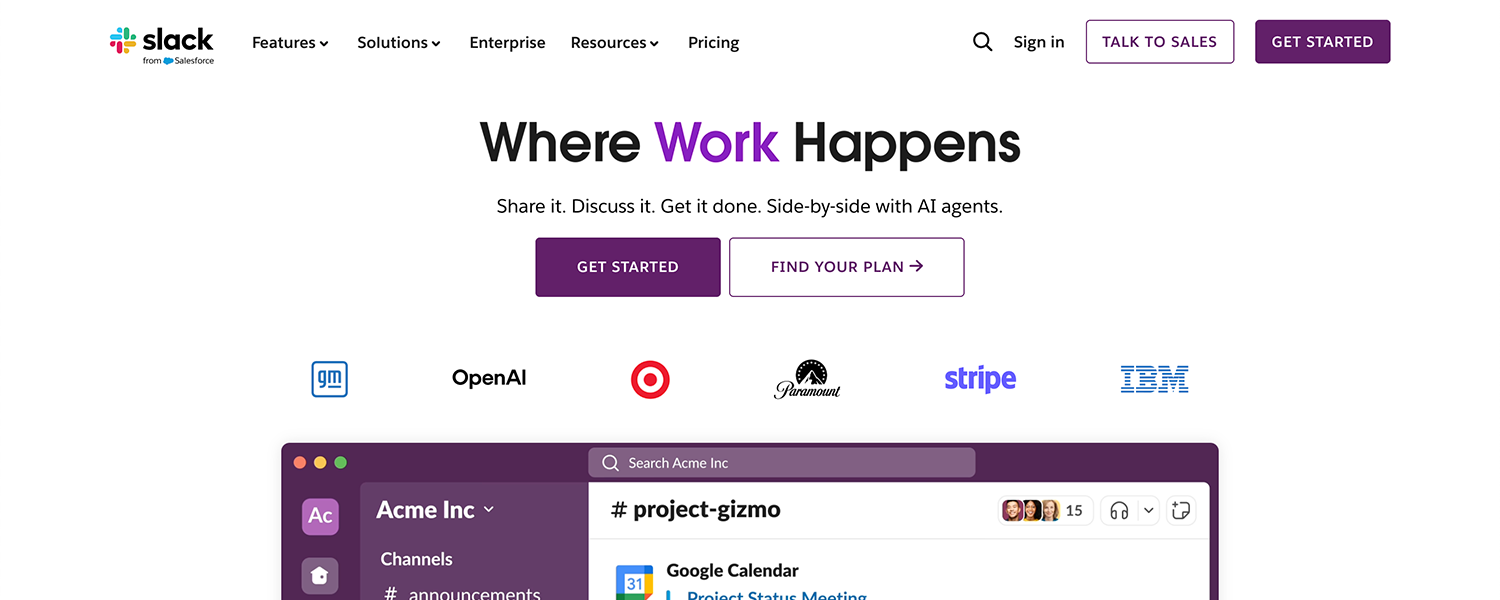
Slack keeps studio communication organized through channels dedicated to different topics or clients. It replaces long email threads with fast, direct messaging while integrating with other tools for smoother project management.
Why it’s recommended:
Streamlined messaging for teams and clients
Built-in voice and video calls
Integrates with Notion, Google Drive, Trello, and more
Essential for teams that value fast, organized, and transparent communication.
4. Google Workspace
The Essential Productivity Suite
Best for: file storage, document editing, emails, and team collaboration
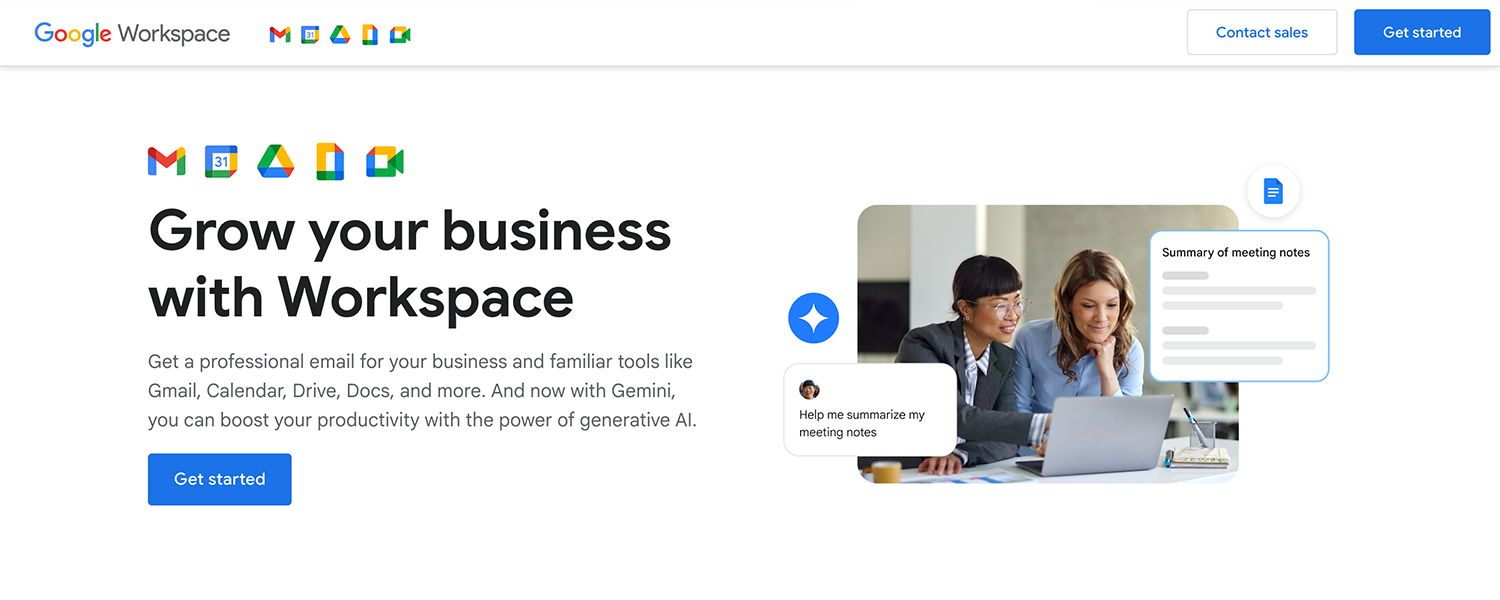
Google Workspace provides the foundation most studios rely on — Docs, Sheets, Drive, and Gmail — all synced in the cloud. It offers reliable file sharing, collaboration, and communication tools in one ecosystem.
Why it’s recommended:
Real-time document collaboration
Secure, cloud-based file storage
Affordable plans for small businesses and freelancers
A must-have for maintaining efficient communication and file organization in any creative environment.
Try Google Workspace: 14-day free trial >
https://workspace.google.com
5. Frame.io
The Smart Review Platform for Motion and Video Work
Best for: client feedback on video, animation, and motion design projects
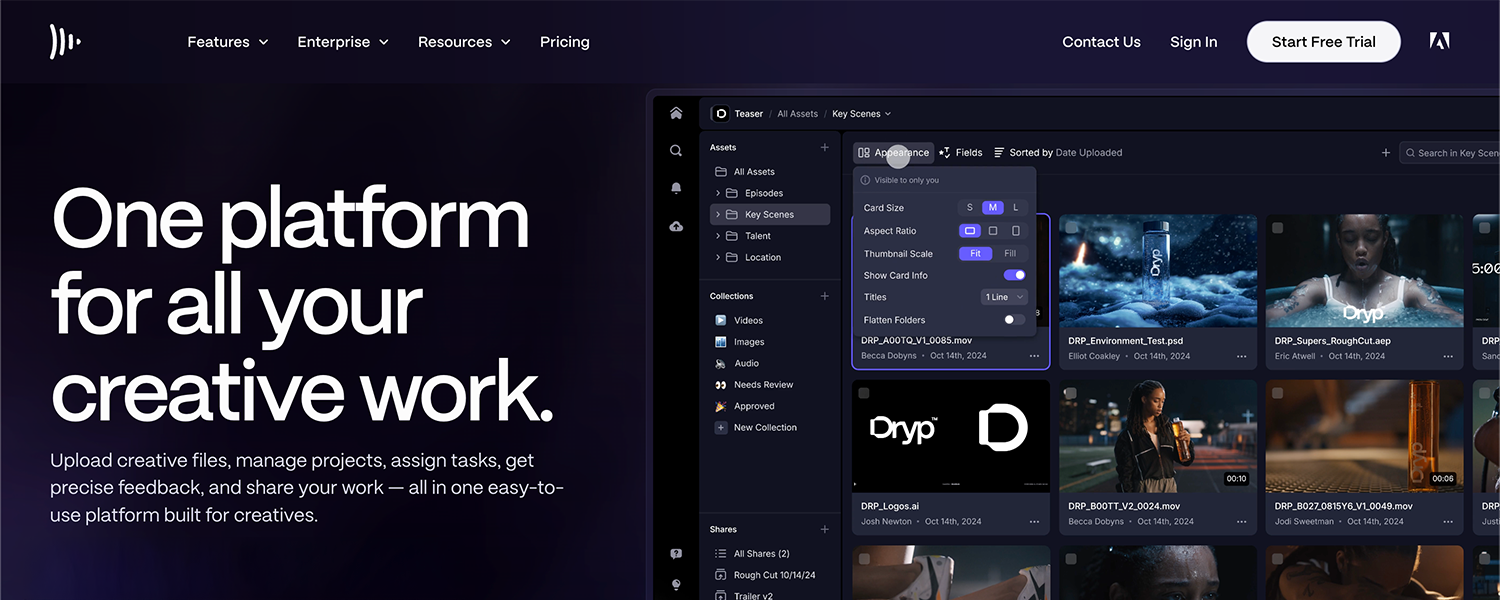
Frame.io streamlines the feedback process by allowing clients to comment directly on the video timeline. Teams can easily track revisions, version history, and approvals without confusing email chains.
Why it’s recommended:
Timestamped comments for clear feedback
Secure sharing and version control
Integrates directly with Adobe Premiere Pro and After Effects
Perfect for creative teams producing video content who need a faster, more efficient review process.
6. Trello
The Visual Task Board for Creative Teams
Best for: project tracking, production pipelines, and client progress updates
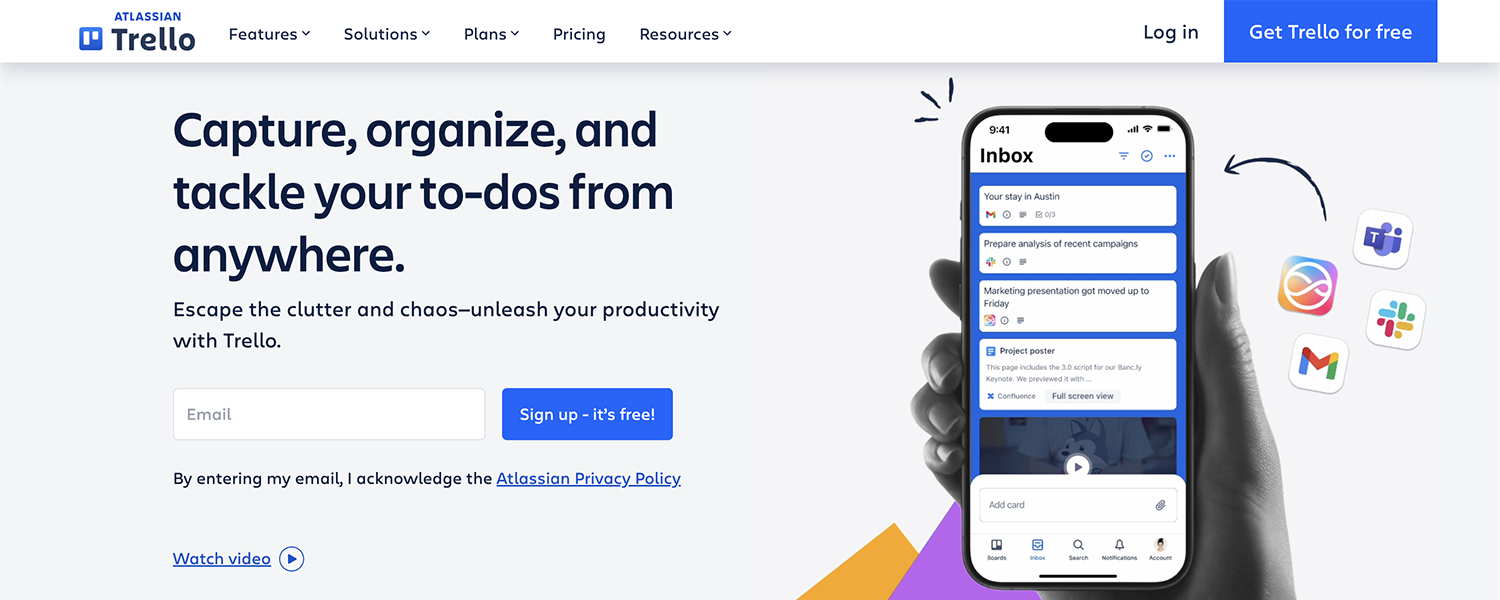
Trello uses a simple card-based system that makes it easy to visualize workflows. Design studios can organize tasks, assign responsibilities, and build pipelines for branding projects, website builds, or social content production.
Why it’s recommended:
Extremely easy to use, drag-and-drop interface
Boards, lists, and cards map well to creative workflows
Integrates with Slack, Google Workspace, and Notion
Perfect for studios wanting a lightweight, visual project management tool.
7. Monday.com
The Advanced Workflow Dashboard for Busy Studios
Best for: multi-client workflows, team scheduling, and resource planning
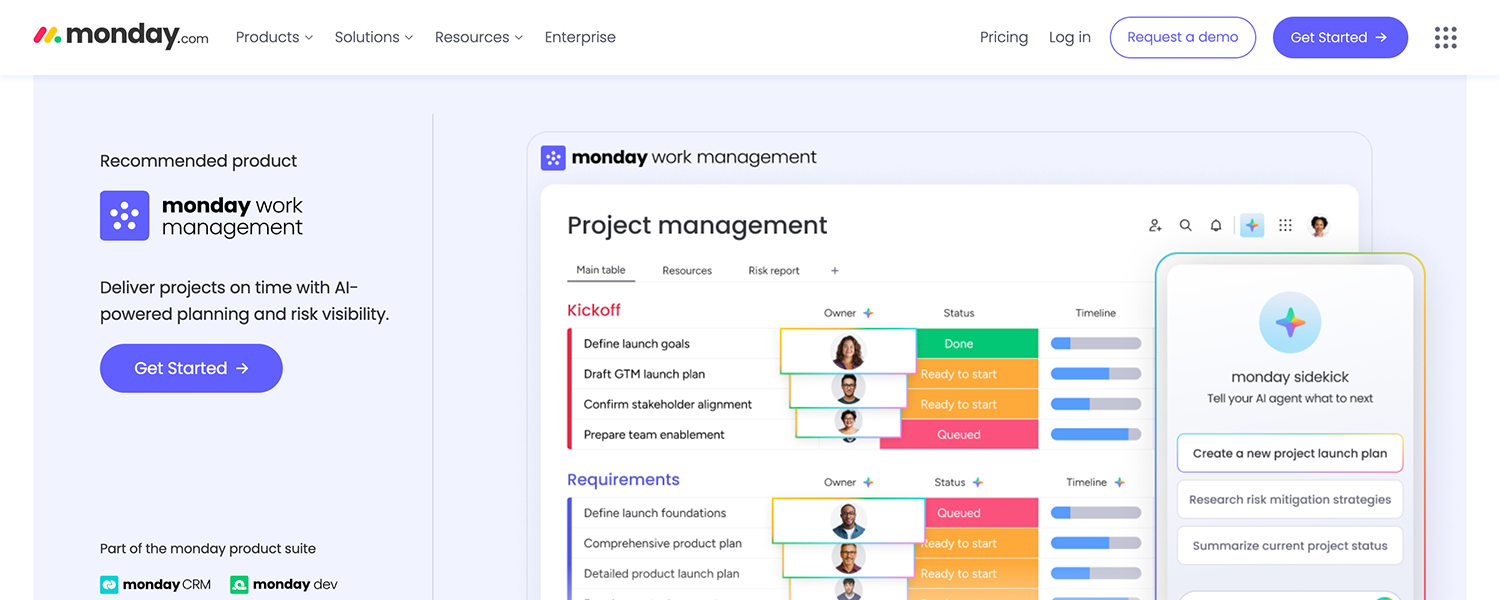
Monday.com offers more advanced project controls than Trello, making it ideal for studios juggling multiple clients and deliverables. With automations, timelines, and workload views, teams can streamline operations and reduce bottlenecks.
Why it’s recommended:
Highly customizable dashboards and workflows
Built-in automations reduce repetitive tasks
Timeline, calendar, and workload views for better team planning
A strong choice for studios that need more structure and robust project tracking.
8. Adobe Creative Cloud
The Industry Standard for Creative Production
Best for: graphic design, photo editing, motion design, and video production
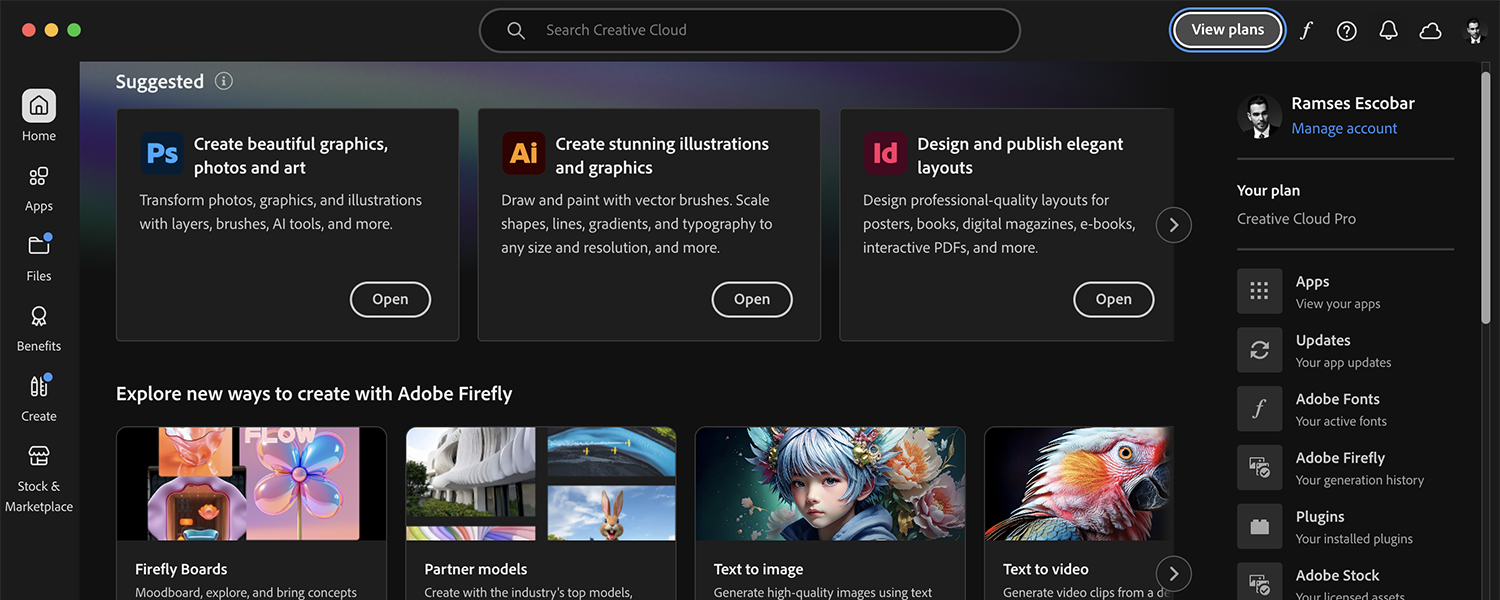
Adobe Creative Cloud provides the core tools most studios rely on — Illustrator, Photoshop, InDesign, Premiere Pro, After Effects, and more. Cloud syncing and shared libraries make collaboration easier across teams and devices.
Why it’s recommended:
Professional-grade tools for every creative discipline
Cloud libraries keep assets consistent across projects
Integrates with Frame.io, Slack, and countless production tools
A must-have suite for any studio producing professional design and motion work.
Try Adobe Creative Cloud: Start your free trial >
https://www.adobe.com/creativecloud
9. Canva Pro
The Fast Design Tool for Social Content and Quick Deliverables
Best for: social media graphics, presentations, marketing materials, and quick mockups
Canva Pro gives small studios an efficient way to produce fast, branded content. With templates, team collaboration, and brand kits, it’s ideal for agencies managing frequent social media deliverables or internal content.
Why it’s recommended:
Drag-and-drop design with thousands of templates
Brand kits for consistent fonts, colors, and logos
Easy team collaboration and approval workflows
A great companion tool for non-designers in the studio or for quick production tasks.
10. Dropbox
The Reliable Cloud Storage and Client Delivery Platform
Best for: storing large files, sending deliverables, and keeping archives organized
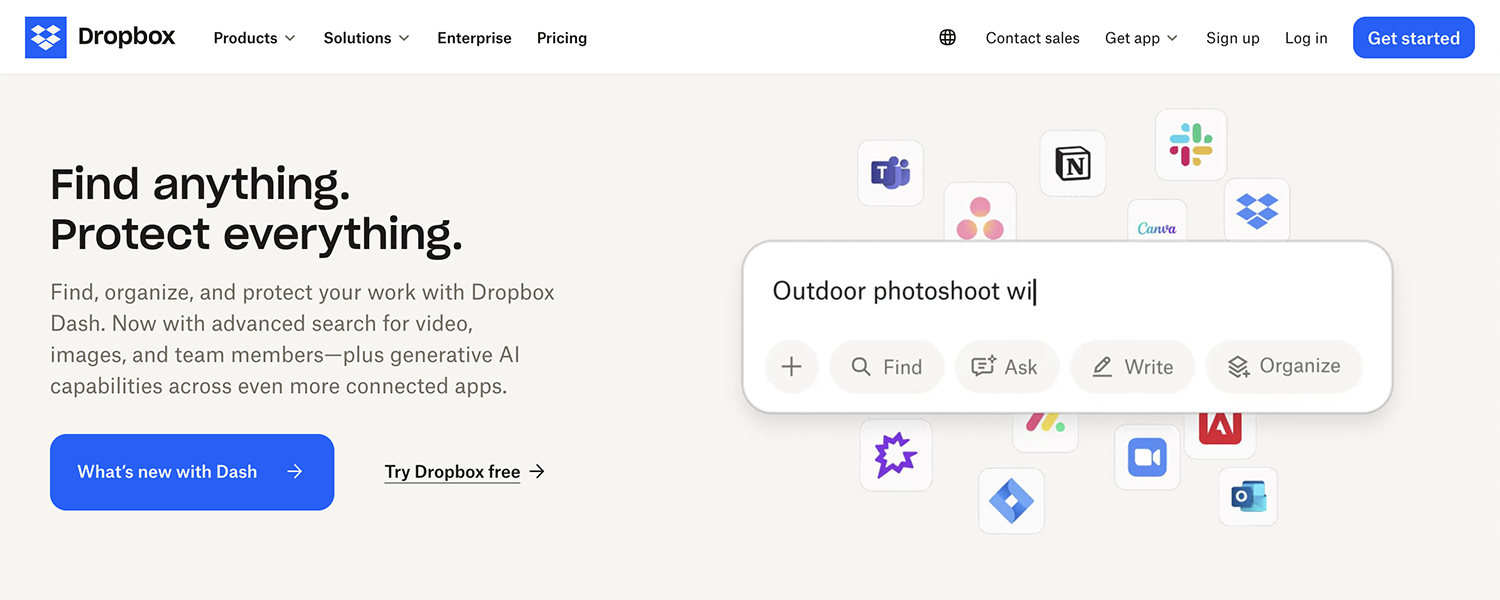
Creative studios widely use Dropbox to handle large files — especially videos, layered PSDs, and Illustrator projects. Its file-sharing features make client delivery simple and secure.
Why it’s recommended:
Large-file storage and fast syncing
Easy, secure client delivery links
Integrates with Adobe tools, Slack, Trello, and more
Ideal for studios needing reliable cloud storage beyond what Drive or local servers offer.
Final Thoughts
Each builder has its strengths: Wix for full freedom, Squarespace for style and simplicity, Webflow for professional precision, WordPress for flexibility, and Framer for modern speed. Your choice depends on your goals — whether you want total creative control or a beautifully simple way to showcase your work.